A 3-minute lesson from the Nevada course. Read the rules and examples, follow the handbook page references, and check your understanding before you move on.
Advanced Driver Assistance Systems (ADAS) help you stay in your lane, avoid crashes, see blind spots and keep a space cushion — but they don't drive the car. Warning systems only alert you; you still have to act.
ADAS
Advanced Driver Assistance Systems: technologies that assist the driver but do not drive the vehicle by themselves.
Most warning systems are passive: they warn you of a potential issue but don't automatically prevent a problem or crash. You may need to change how you're driving.
Back-up warning: when you shift into reverse, sensors scan behind the vehicle and alert you by sound, vibration or both. Don't depend on it — check side and rear-view mirrors, look over your shoulders, and use any camera.
Blind spot monitor: warns of vehicles in your blind spots with a symbol, sound or vibration, and may warn again if you signal toward an occupied lane. Always check mirrors and look over your shoulder before changing lanes.
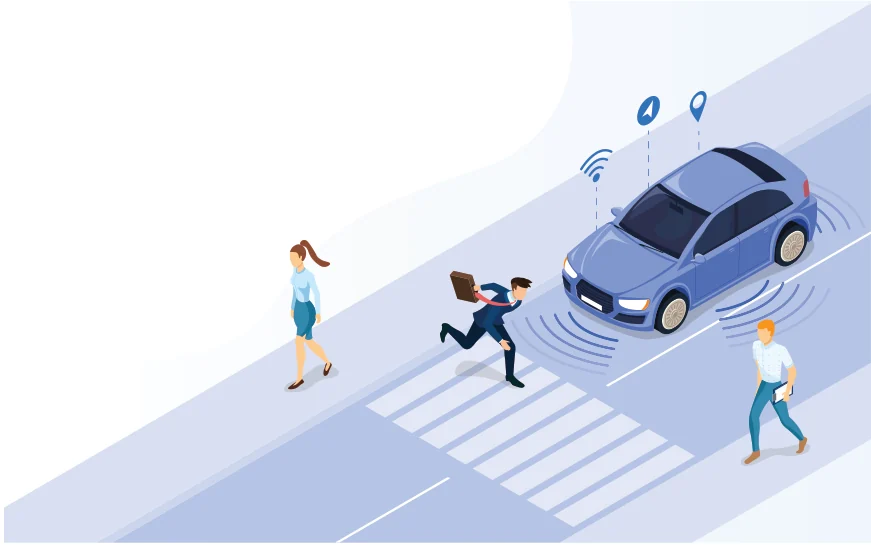
Sensors detecting pedestrians and objects around a vehicle
Know the rule
Rear camera: comes on when you shift into reverse and shows the area behind you, on a screen in the console, mirror, visor or elsewhere. Don't become dependent on it — still use mirrors and head checks.
Sideview camera: shows an expanded view of the lane beside you when you signal or switch it on. Use it with mirrors and head checks; some newer vehicles have these cameras in place of traditional mirrors.
Surround-view (around-view) monitor: a virtual bird's-eye view that helps you park, showing lane markings, curbs and nearby vehicles; some add audio warnings. Usually one camera is in the front bumper and two look down from the side mirrors.
Curve speed warning: alerts you with sound, vibration or both when you approach a curve or exit at an unsafe speed. You're still responsible for keeping a safe speed.
Your car beeps a blind-spot warning as you signal right. Even when it's silent, you still check your mirror and look over your shoulder — the system warns, but it doesn't replace your own check.
Check your understanding
Read the question, decide on an answer, then open it to check the explanation. These are Roadwise study questions based on the source handbook.
Vehicle warning systems technologies notify the driver of a potential issue by:
Sound, light, or vibration
Automatically braking for the driver
Steering the vehicle away from danger
Calling emergency services for you
Answer: Sound, light, or vibration
Warning systems notify the driver by sound, light, or vibration.