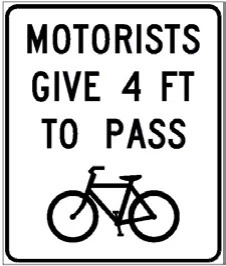
4-foot passing law for bicycles
Drivers must leave at least 4 feet of space when passing a cyclist.
What to do: Leave at least 4 feet of clearance when passing a bicyclist.
Shape: rectangle vertical · Color: white
Handbook p. 57 ↗Massachusetts road signs
Explore 73 signs and driving illustrations from this course’s handbook edition. Each entry pairs the image with its meaning and a practical action. Use your browser’s Find command to look up a name or a word from a meaning.
Notice the shape and color before reading a sign’s words or symbol. Then connect its meaning with what you should do: stop, yield, adjust your speed, choose a lane, or prepare for a hazard. Signals, markings, and diagrams are included where the handbook uses them to explain a driving rule.
Use the source page link for the surrounding rule. Some illustrations show a complete road situation rather than a standalone roadside sign.
73 entries. Sign images and page references belong to the handbook edition used for the Massachusetts course.
Drivers must leave at least 4 feet of space when passing a cyclist.
What to do: Leave at least 4 feet of clearance when passing a bicyclist.
Shape: rectangle vertical · Color: white
Handbook p. 57 ↗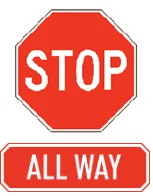
Indicates stop signs control every approach to this intersection.
What to do: Stop, then proceed only when it is your turn based on arrival order.
Shape: octagon · Color: red
Handbook p. 92 ↗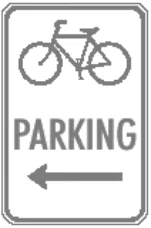
Directs cyclists to a designated bicycle parking area.
What to do: Park bicycles in the marked area.
Shape: rectangle vertical · Color: white
Handbook p. 123 ↗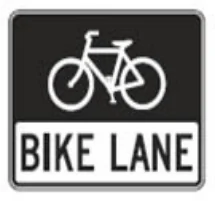
This lane is reserved for bicycles.
What to do: Do not drive or park in the bike lane.
Shape: rectangle vertical · Color: black
Handbook p. 123 ↗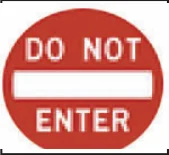
You may not enter this roadway.
What to do: Do not enter; find another route.
Shape: circle · Color: red
Handbook p. 92 ↗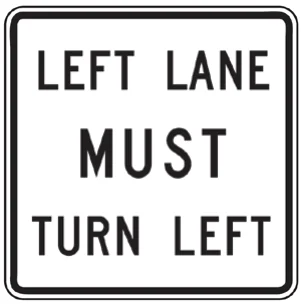
Vehicles in the left lane are required to turn left.
What to do: Move out of this lane if you do not intend to turn left.
Shape: rectangle vertical · Color: white
Handbook p. 92 ↗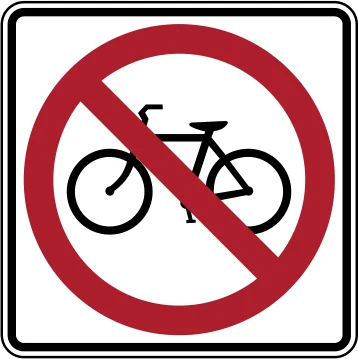
Bicycles are not allowed on this roadway.
What to do: Do not ride a bicycle here; use an alternate route.
Shape: square · Color: white
Handbook p. 92 ↗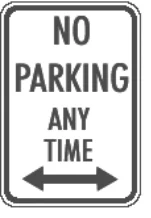
Parking is never allowed here.
What to do: Do not park at any time in this area.
Shape: rectangle vertical · Color: white
Handbook p. 119 ↗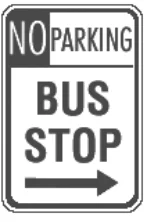
Parking is prohibited at this bus stop.
What to do: Do not park in a marked bus stop zone.
Shape: rectangle vertical · Color: white
Handbook p. 119 ↗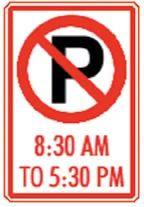
Parking is prohibited during the posted hours.
What to do: Do not park here during the listed hours.
Shape: square · Color: white
Handbook p. 92 ↗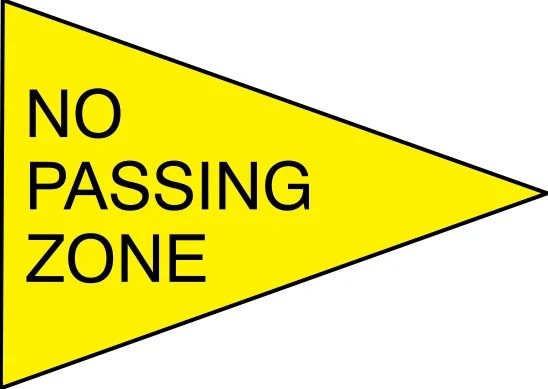
Passing other vehicles is not allowed in this zone.
What to do: Stay behind slower traffic; do not pass until the zone ends.
Shape: pennant · Color: yellow
Handbook p. 92 ↗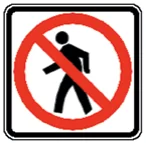
Pedestrians are not allowed to cross or walk here.
What to do: Do not expect pedestrians here; this area is closed to foot traffic.
Shape: square · Color: white
Handbook p. 92 ↗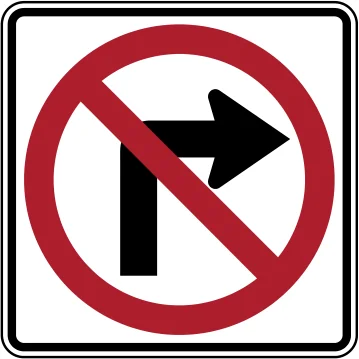
Right turns are not allowed here.
What to do: Do not turn right; continue straight or choose another lane.
Shape: square · Color: white
Handbook p. 92 ↗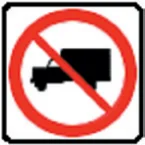
Trucks are not allowed on this roadway.
What to do: Do not drive a truck on this road.
Shape: square · Color: white
Handbook p. 92 ↗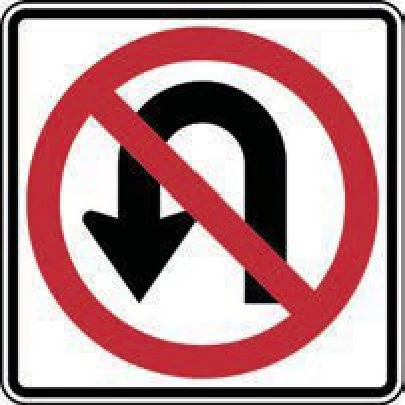
U-turns are not allowed here.
What to do: Do not turn around; continue straight or use another route.
Shape: square · Color: white
Handbook p. 92 ↗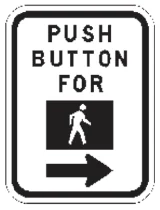
Indicates a button must be pushed to activate the pedestrian walk signal.
What to do: Press the button and wait for the walk signal before crossing.
Shape: rectangle vertical · Color: white
Handbook p. 120 ↗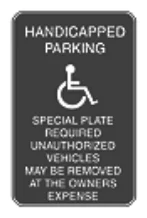
Parking reserved for vehicles with a disability permit; unauthorized vehicles may be towed.
What to do: Do not park here without a valid disability placard or plate.
Shape: rectangle vertical · Color: blue
Handbook p. 119 ↗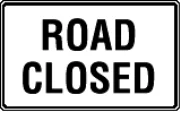
The road ahead is closed to travel.
What to do: Do not continue on this road; find an alternate route.
Shape: rectangle horizontal · Color: white
Handbook p. 92 ↗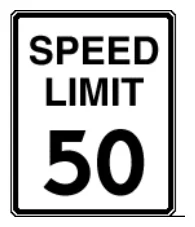
Shows the maximum legal speed allowed in ideal conditions.
What to do: Do not drive faster than the posted speed limit.
Shape: rectangle vertical · Color: white
Handbook p. 88 ↗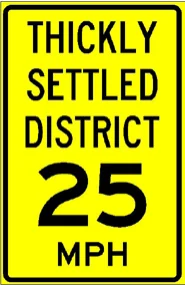
Sets a default speed limit in a densely built-up area.
What to do: Obey the reduced speed limit within a thickly settled district.
Shape: rectangle vertical · Color: yellow
Handbook p. 88 ↗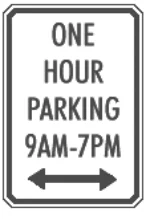
Limits parking to 1 hour during the posted times.
What to do: Do not park longer than 1 hour during the listed hours.
Shape: rectangle vertical · Color: white
Handbook p. 119 ↗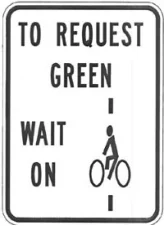
Tells cyclists where to wait to trigger the traffic signal to change.
What to do: Position your bicycle on the marked detector to trigger a green light.
Shape: rectangle vertical · Color: white
Handbook p. 123 ↗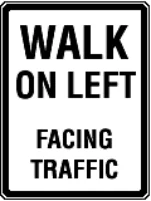
Pedestrians must walk on the left side facing oncoming traffic where there's no sidewalk.
What to do: Walk facing traffic on the left side of the road when no sidewalk is available.
Shape: rectangle vertical · Color: white
Handbook p. 120 ↗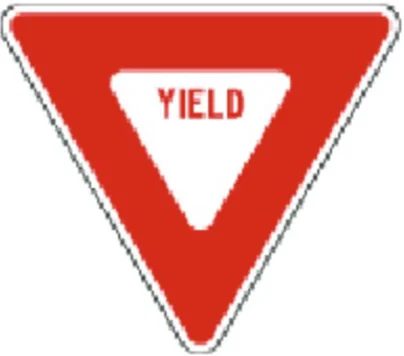
Slow down and let other traffic or pedestrians go first.
What to do: Slow or stop if needed and yield the right-of-way before proceeding.
Shape: triangle · Color: red
Handbook p. 92 ↗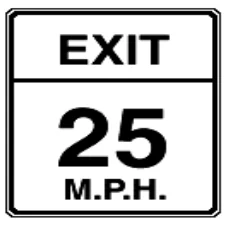
Shows the recommended safe speed for this exit.
What to do: Slow to this speed before taking the exit.
Shape: rectangle vertical · Color: white
Handbook p. 88 ↗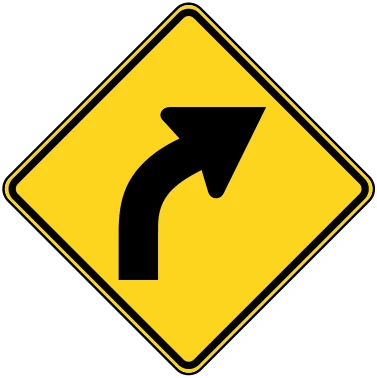
Road curves to the right ahead.
What to do: Slow down and steer smoothly through the right curve.
Shape: diamond · Color: yellow
Handbook p. 92 ↗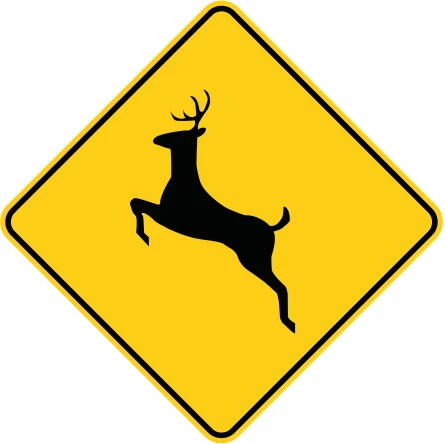
Deer may cross the road in this area.
What to do: Slow down and watch for deer, especially at dawn or dusk.
Shape: diamond · Color: yellow
Handbook p. 92 ↗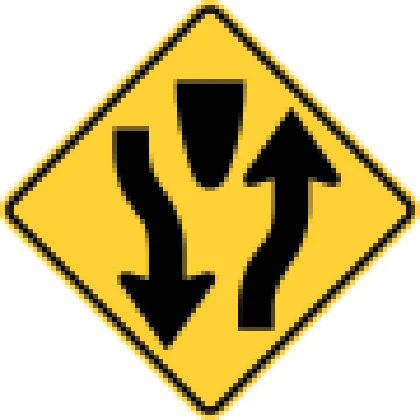
Road ahead splits into a divided highway with a median.
What to do: Keep right of the median and stay alert for the lane split ahead.
Shape: diamond · Color: yellow
Handbook p. 92 ↗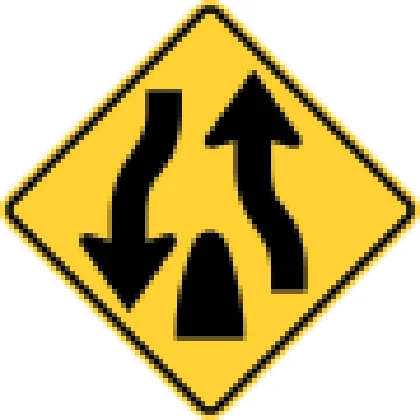
Divided highway ahead merges back into a two-way road.
What to do: Move back toward the right and be ready to meet oncoming traffic.
Shape: diamond · Color: yellow
Handbook p. 92 ↗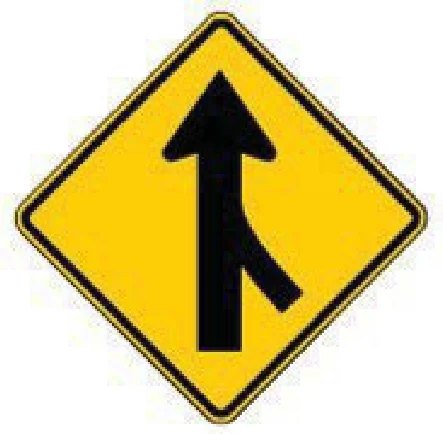
A lane from the side joins your road ahead.
What to do: Adjust speed and merge safely; yield to traffic already in your lane.
Shape: diamond · Color: yellow
Handbook p. 92 ↗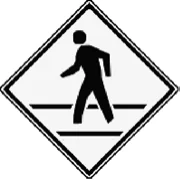
Warns of pedestrians crossing the road ahead.
What to do: Slow down and yield to pedestrians in the crosswalk.
Shape: diamond · Color: white
Handbook p. 107 ↗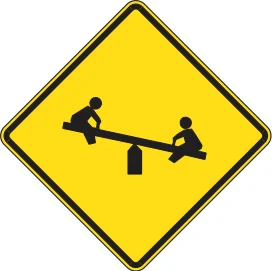
A playground area is near the road ahead.
What to do: Slow down and watch for children playing near the road.
Shape: diamond · Color: yellow
Handbook p. 92 ↗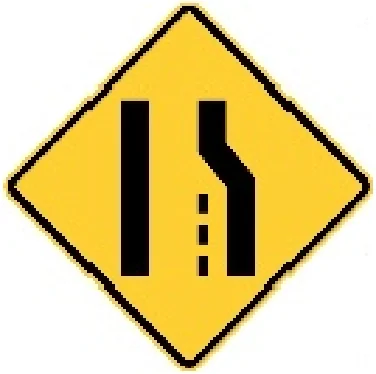
The right lane ends ahead and traffic must merge.
What to do: Merge left safely before your lane ends.
Shape: diamond · Color: yellow
Handbook p. 96 ↗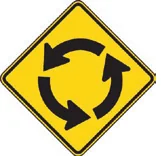
Warns of a roundabout ahead.
What to do: Slow down and yield to traffic already in the roundabout.
Shape: diamond · Color: yellow
Handbook p. 92 ↗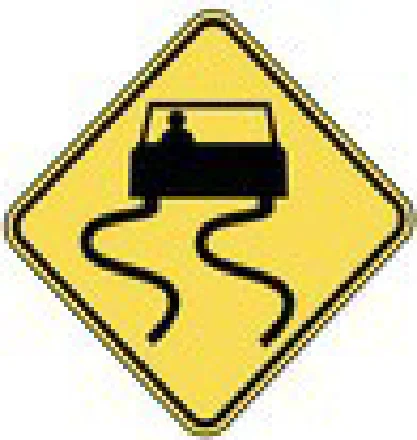
Road may be slick from rain, ice or oil.
What to do: Slow down, avoid sudden braking or sharp turns, and increase following distance.
Shape: diamond · Color: yellow
Handbook p. 92 ↗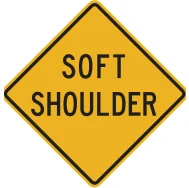
The ground on the side of the road is soft.
What to do: Avoid driving onto the shoulder except in an emergency, and do so carefully.
Shape: diamond · Color: yellow
Handbook p. 92 ↗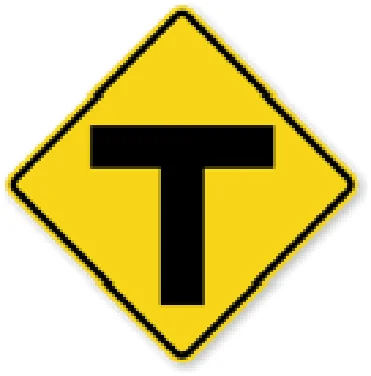
The road ahead ends in a T-shaped intersection.
What to do: Slow down and prepare to turn left or right.
Shape: diamond · Color: yellow
Handbook p. 92 ↗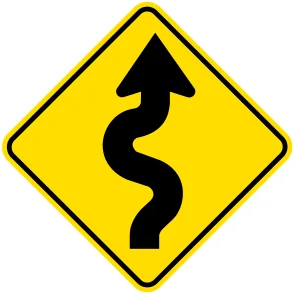
The road has several curves ahead.
What to do: Slow down and drive carefully through the series of curves.
Shape: diamond · Color: yellow
Handbook p. 92 ↗
Warns of a school crossing ahead.
What to do: Slow down and watch for children crossing.
Shape: pentagon · Color: fluorescent_yellow_green
Handbook p. 92 ↗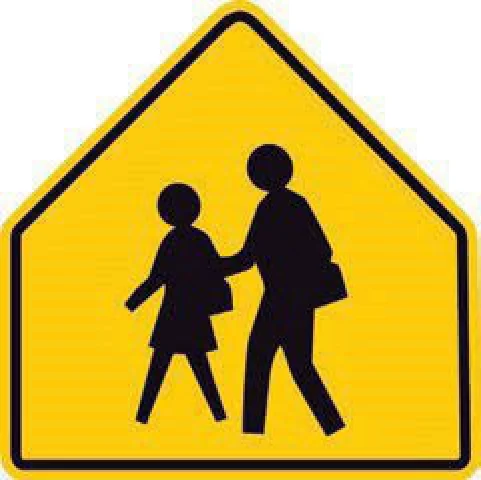
You are approaching a school area or crossing.
What to do: Slow down, watch for children, and be ready to stop.
Shape: pentagon · Color: yellow
Handbook p. 92 ↗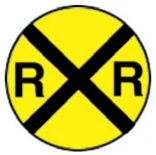
Warns of a railroad crossing ahead.
What to do: Slow down, look, and listen for trains.
Shape: circle · Color: yellow
Handbook p. 92 ↗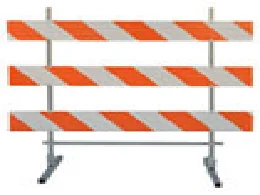
Marks a full closure of travel lanes.
What to do: Do not cross; find an alternate route.
Shape: other · Color: orange
Handbook p. 96 ↗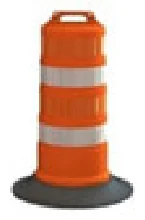
Channelizing drums guide traffic away from hazards in a work zone.
What to do: Stay within the lane marked by the drums.
Shape: other · Color: orange
Handbook p. 96 ↗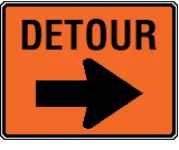
Marks an alternate route around a closure.
What to do: Follow the detour route as directed.
Shape: rectangle horizontal · Color: orange
Handbook p. 96 ↗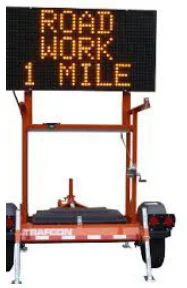
An electronic trailer sign displaying a work-zone warning message.
What to do: Read and follow the message; slow down for road work ahead.
Shape: other · Color: black
Handbook p. 95 ↗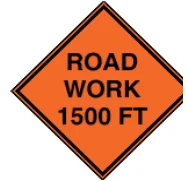
Warns of road construction ahead.
What to do: Slow down and watch for workers and equipment.
Shape: diamond · Color: orange
Handbook p. 95 ↗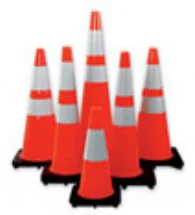
Cones mark temporary lane closures or hazards in a work zone.
What to do: Do not drive over or between cones; stay in the open lane.
Shape: other · Color: orange
Handbook p. 96 ↗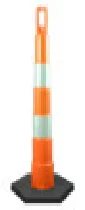
Marks lane edges or channels traffic in a work zone.
What to do: Stay within the lane marked by these devices.
Shape: other · Color: orange
Handbook p. 96 ↗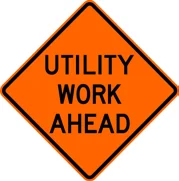
Warns of utility crews working ahead.
What to do: Slow down and watch for utility workers and equipment.
Shape: diamond · Color: orange
Handbook p. 95 ↗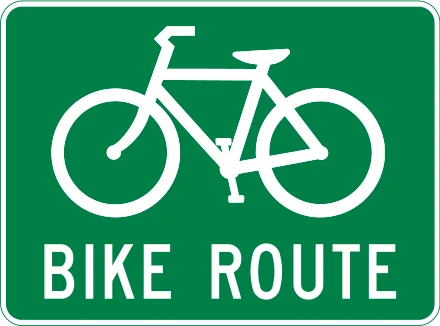
Marks a route designated for bicycle travel.
What to do: Watch for and share the road with bicyclists along this route.
Shape: rectangle vertical · Color: green
Handbook p. 93 ↗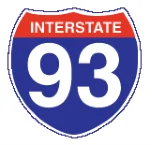
Marks a numbered Interstate highway.
What to do: Use to confirm you are on the correct interstate route.
Shape: shield · Color: blue
Handbook p. 93 ↗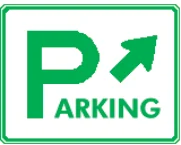
Directs you to a parking area.
What to do: Follow the arrow to reach parking.
Shape: rectangle horizontal · Color: white
Handbook p. 93 ↗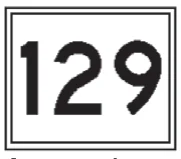
Marks a numbered state highway route.
What to do: Use to confirm you are following the correct numbered route.
Shape: rectangle vertical · Color: white
Handbook p. 93 ↗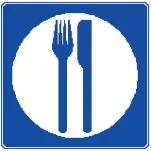
Indicates food services are available nearby.
What to do: Use to find a restaurant.
Shape: square · Color: blue
Handbook p. 93 ↗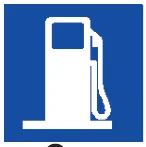
Indicates fuel services are available nearby.
What to do: Use to find a gas station.
Shape: rectangle vertical · Color: blue
Handbook p. 93 ↗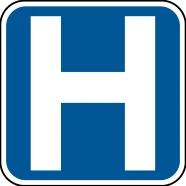
A hospital is located nearby.
What to do: Follow the sign if you need emergency medical care.
Shape: square · Color: blue
Handbook p. 93 ↗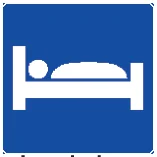
Indicates lodging is available nearby.
What to do: Use to find a hotel or motel.
Shape: rectangle vertical · Color: blue
Handbook p. 93 ↗
Indicates a public telephone is available nearby.
What to do: Use to find emergency or public phone access.
Shape: rectangle vertical · Color: blue
Handbook p. 93 ↗
A flashing red light means stop, then proceed when safe, like a stop sign.
What to do: Stop completely, then go when the way is clear.
Shape: n/a · Color: n/a
Handbook p. 89 ↗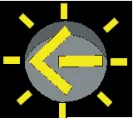
A flashing yellow arrow means you may turn after yielding to oncoming traffic.
What to do: Yield to oncoming traffic and pedestrians, then turn when safe.
Shape: n/a · Color: n/a
Handbook p. 89 ↗
A flashing yellow light is a warning; slow down and proceed with caution.
What to do: Slow down, check for hazards, and proceed carefully through the intersection.
Shape: n/a · Color: n/a
Handbook p. 89 ↗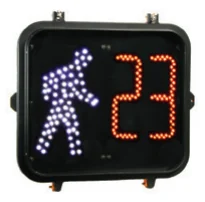
Shows the walking figure with a countdown of seconds left to cross.
What to do: If already crossing, finish crossing before time runs out; do not start if the countdown has begun.
Shape: n/a · Color: n/a
Handbook p. 91 ↗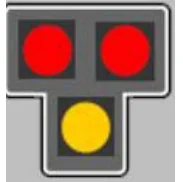
A pedestrian hybrid beacon stops traffic for pedestrians when activated.
What to do: Stop when the red lights are flashing or steady; proceed when dark.
Shape: n/a · Color: n/a
Handbook p. 90 ↗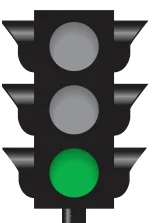
A steady green circle means you may proceed if the way is clear.
What to do: Go straight, turn, or proceed if the intersection is clear and safe.
Shape: n/a · Color: n/a
Handbook p. 89 ↗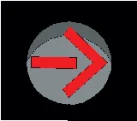
A steady red arrow means you may not make the movement shown until it changes.
What to do: Stop and wait; do not turn until the arrow changes to green.
Shape: n/a · Color: n/a
Handbook p. 89 ↗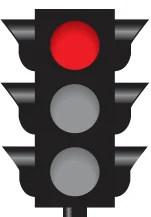
A steady red circle means stop.
What to do: Come to a complete stop; you may turn right on red after stopping unless prohibited.
Shape: n/a · Color: n/a
Handbook p. 89 ↗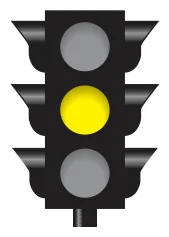
A steady yellow circle warns the signal is about to turn red.
What to do: Stop if you can safely; otherwise clear the intersection.
Shape: n/a · Color: n/a
Handbook p. 89 ↗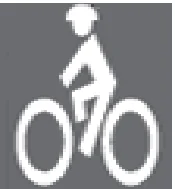
A painted bicycle symbol marks a dedicated bike lane.
What to do: Do not drive or park in a marked bike lane.
Shape: n/a · Color: n/a
Handbook p. 99 ↗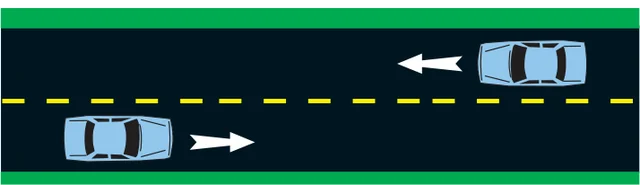
A broken yellow line means passing is allowed when safe.
What to do: You may pass when the way is clear across a broken yellow line.
Shape: n/a · Color: n/a
Handbook p. 98 ↗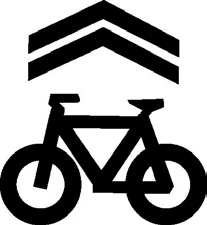
A sharrow shows cyclists may use the full lane.
What to do: Expect cyclists to ride in the center of the lane; do not try to squeeze past.
Shape: n/a · Color: n/a
Handbook p. 99 ↗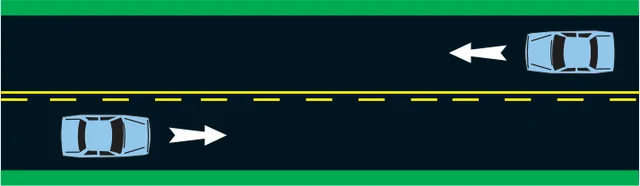
A solid yellow line means passing is prohibited on your side.
What to do: Do not pass when a solid yellow line is on your side.
Shape: n/a · Color: n/a
Handbook p. 98 ↗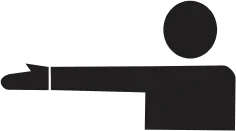
Arm straight out horizontally signals a left turn.
What to do: Watch for this hand signal indicating the driver or cyclist intends to turn left.
Shape: n/a · Color: n/a
Handbook p. 101 ↗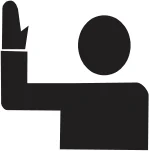
Arm bent upward at the elbow signals a right turn.
What to do: Watch for this hand signal indicating the driver or cyclist intends to turn right.
Shape: n/a · Color: n/a
Handbook p. 101 ↗